
A real native iOS alternative to LarpzWallet

LarpzWallet is a PWA running through Safari and WebKit. LarpApps builds real Swift and SwiftUI iPhone apps that look, move, and respond like native iOS—not a website saved to the Home Screen.

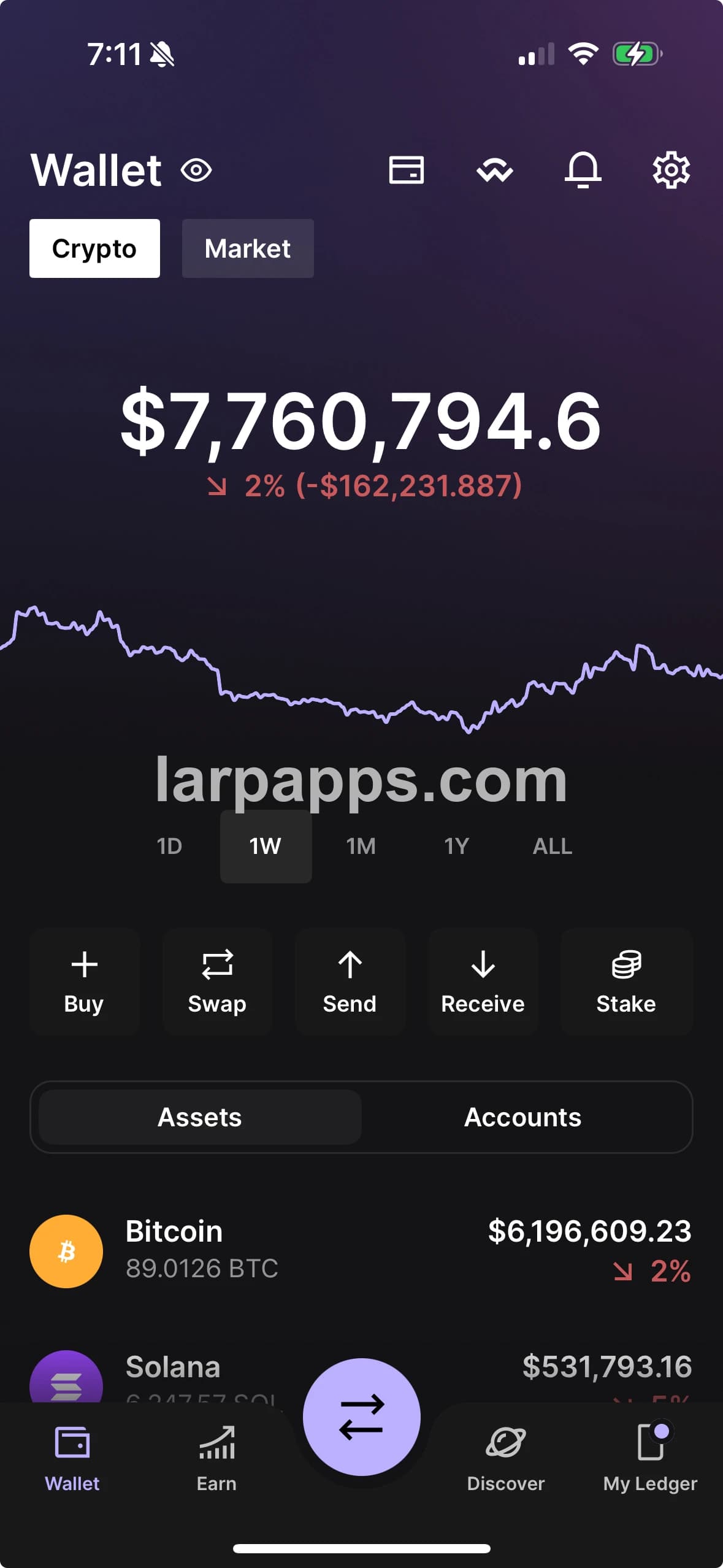
Native Ledger-style iOS wallet screen by larpapps
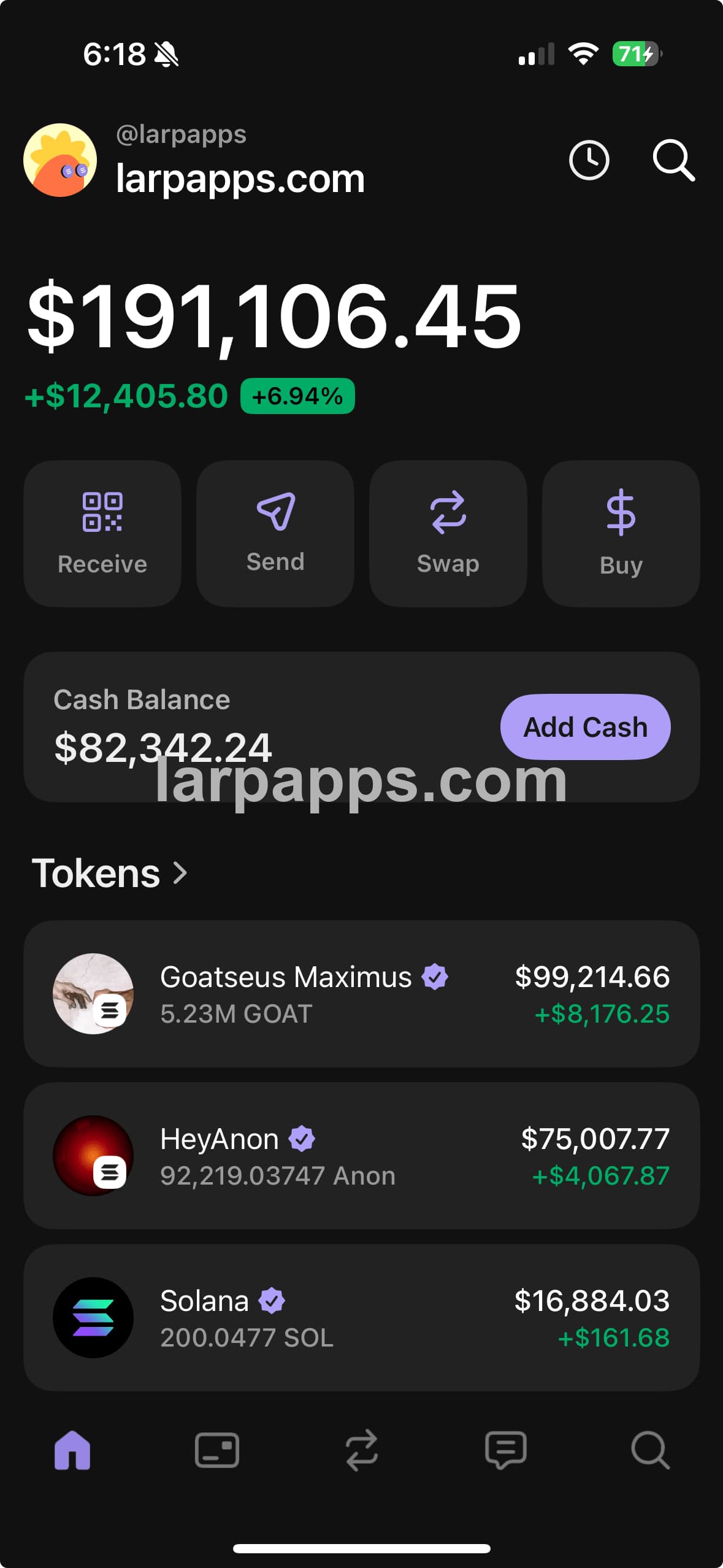
Native Phantom-style iOS wallet screen by larpapps
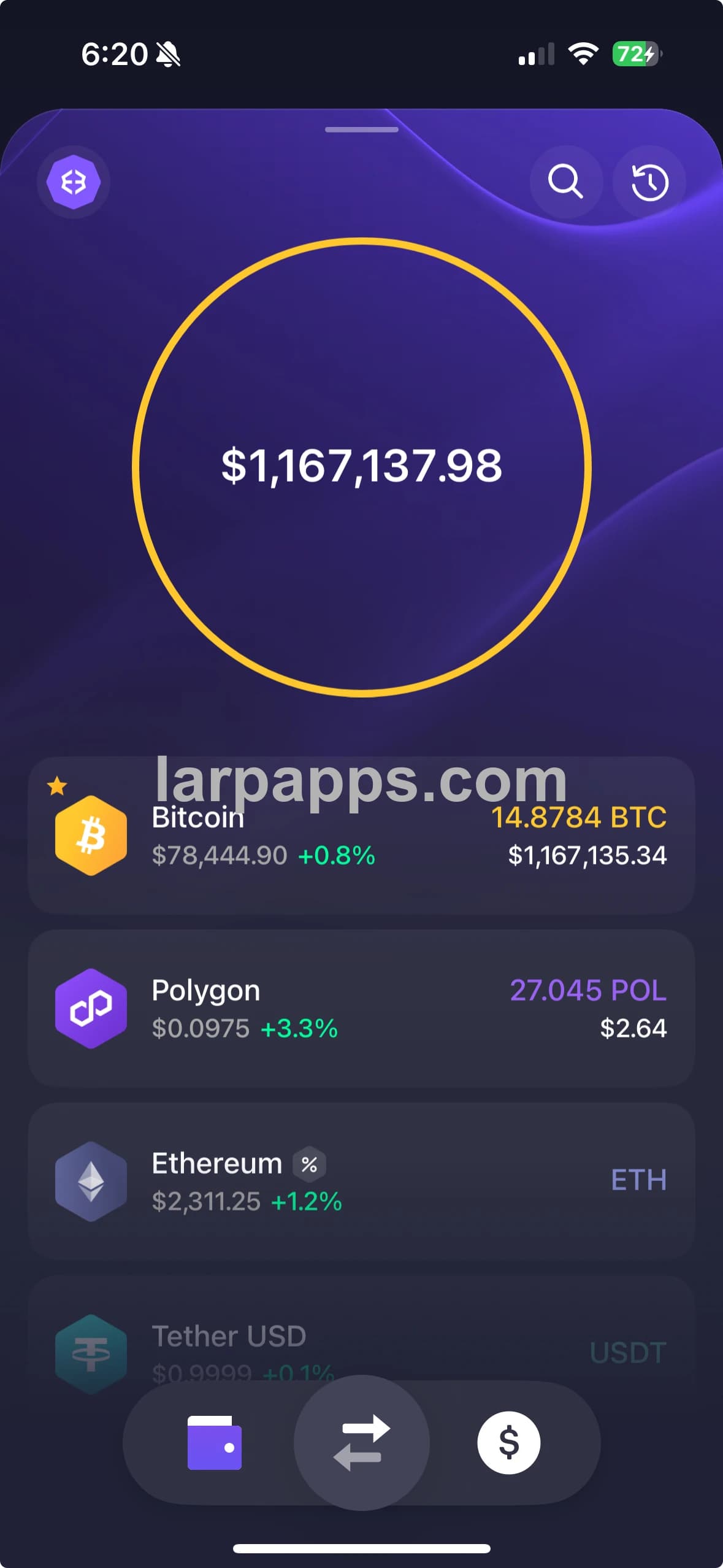
Native Exodus-style iOS wallet screen by larpapps

A clone is only truly 1:1 when it looks and behaves like real iOS. PWAs do not.

PWA / Safari Web App

  • Only looks close in static screenshots
  • Still looks like a website, not a real iOS app
  • Web styling never becomes native UI
  • Browser-like scrolling gives it away
  • Touch feedback feels unnatural
  • Animations miss iOS timing and weight
  • Navigation feels copied, not native
  • Easy to spot as fake once you use it

Real Swift / SwiftUI iOS App

  • Built as an actual iPhone app
  • Uses real iOS views, controls, and sheets
  • Matches the original UI far more closely
  • Native scrolling looks and feels right
  • Taps and gestures respond like iOS
  • Animations have native timing and weight
  • Stays convincing while you use it

A Home Screen icon does not make a website native.

A PWA can hide Safari and copy an app's colors, icons, and screens. Underneath, it is still HTML and CSS running in a browser. LarpApps builds the clone as a real iOS app from the start.

That difference is obvious once you use it. PWA scrolling, gestures, navigation, and animations still feel web-based. A native clone uses real iOS behavior, so the experience stays far more convincing than a browser imitation.

PWA imitation vs real native iOS

One copies the surface in a browser. The other rebuilds the full experience as an actual iPhone app.

Comparison of LarpzWallet and larpapps application technology and iPhone experience
ComparisonLarpzWalletLarpApps native iOS
What it isA PWA websiteA real native iOS app
TechnologyHTML and CSSSwift and SwiftUI
Runs inSafari and WebKitiOS itself
InstallationSaved from a browserInstalled as a signed iPhone app
InterfaceA website styled to look like an appNative views, controls, sheets, and layouts
In useBrowser-like scrolling, motion, and touchNative scrolling, motion, gestures, and touch
RealismCan look close in a screenshotStays convincing while you use it

A 1:1 clone must do more than copy a screenshot.

It must also scroll, move, respond, and navigate like the real iOS app. PWAs fall short because the browser is always underneath.

  1. 01

    Native UI

    SwiftUI builds the screen with real iOS text, controls, sheets, spacing, and layouts. A PWA can only imitate them with web styling.

  2. 02

    Native behavior

    Scrolling, navigation, gestures, keyboards, and transitions behave like iOS because the clone is running as an iOS app.

  3. 03

    Built for iPhone

    The app uses Apple frameworks directly. It is not trapped inside Safari, WebKit, or the limits of browser APIs.

  4. 04

    Real 1:1 fidelity

    A real iPhone app should be cloned as a real iPhone app. That is how the screens, movement, and interaction can stay convincing together.

The difference is obvious in motion

A PWA may look close in one screenshot. Start scrolling, tapping, opening sheets, or changing screens and the web feel shows. A native clone stays believable because every interaction is built for iOS.

Watch the native app

LarpApps FAQ

What does LarpApps build?

LarpApps builds real native iOS clones of popular finance, banking, and cryptocurrency apps using Swift and SwiftUI.

Are LarpApps products real native iOS apps?

Yes. They are compiled iPhone apps built with Swift and SwiftUI—not websites, PWAs, or Safari bookmarks.

Why is a native clone more realistic than a PWA?

A native clone uses the same iOS environment as the app it recreates. The layout, scrolling, touch response, navigation, and animations can all behave like real iOS instead of a website.

What makes an app clone truly 1:1?

It must match more than a screenshot. A truly convincing clone also needs native scrolling, gestures, navigation, transitions, controls, and touch response. That is why LarpApps builds natively.

Does LarpApps require the App Store?

No. After the iPhone is registered, the signed app is delivered through an installation link and installed directly on that device.