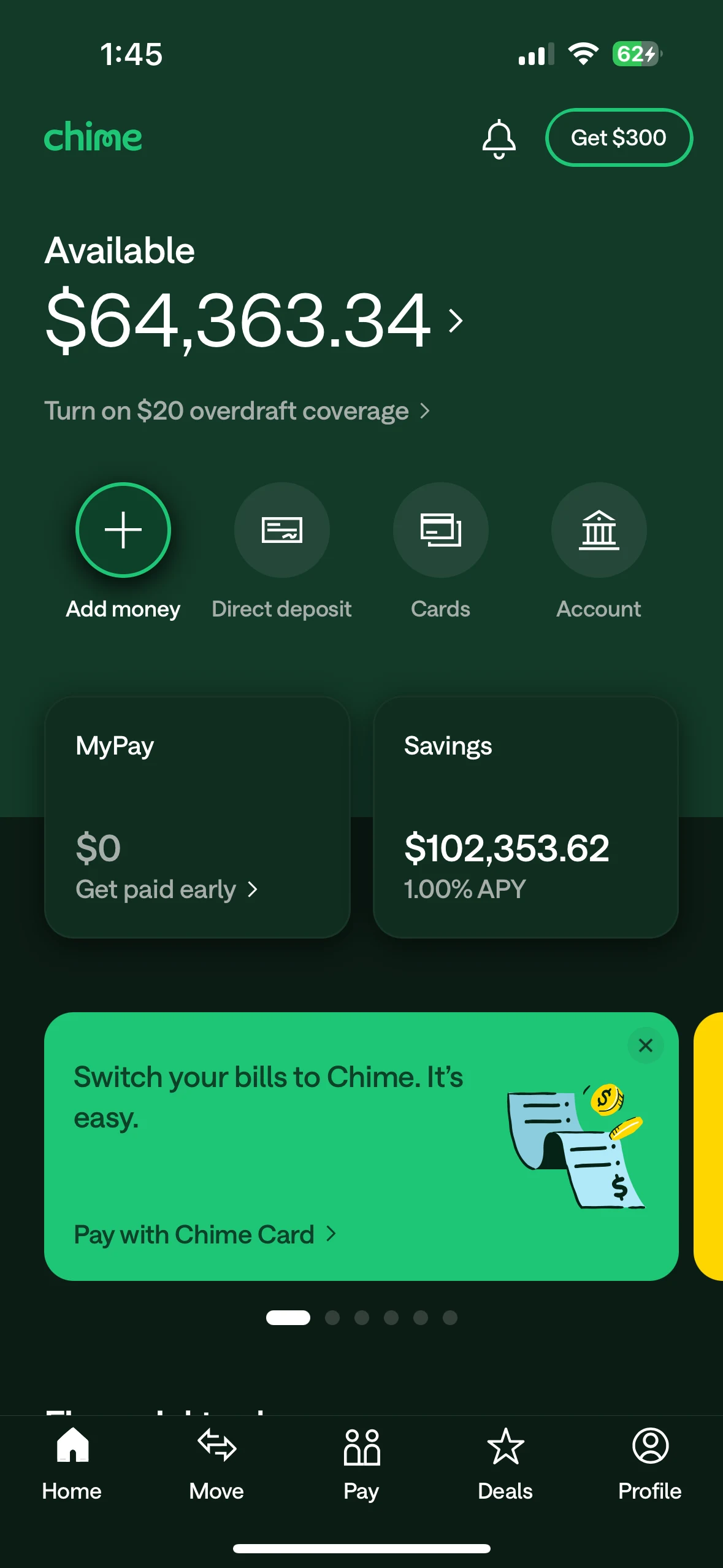
Banking home overview recreating Chime's home screen with an available balance, MyPay and savings cards, add-money shortcuts, direct deposit, card controls, and promotional tiles.
Slide 1 of 7
Banking home overview recreating Chime's home screen with an available balance, MyPay and savings cards, add-money shortcuts, direct deposit, card controls, and promotional tiles.
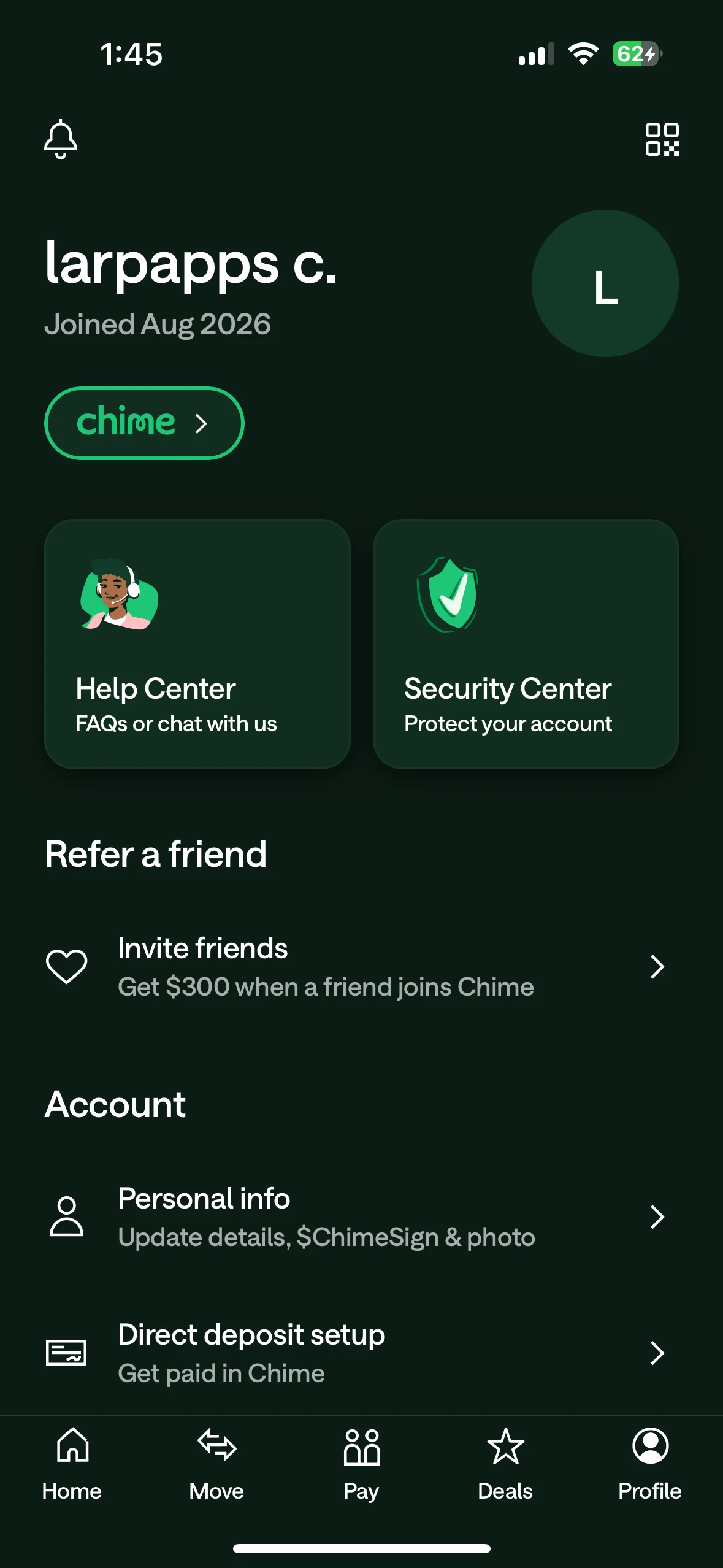
Profile & account hub matching Chime's profile layout with account identity, membership details, Help Center, Security Center, referrals, personal information, and direct-deposit setup.
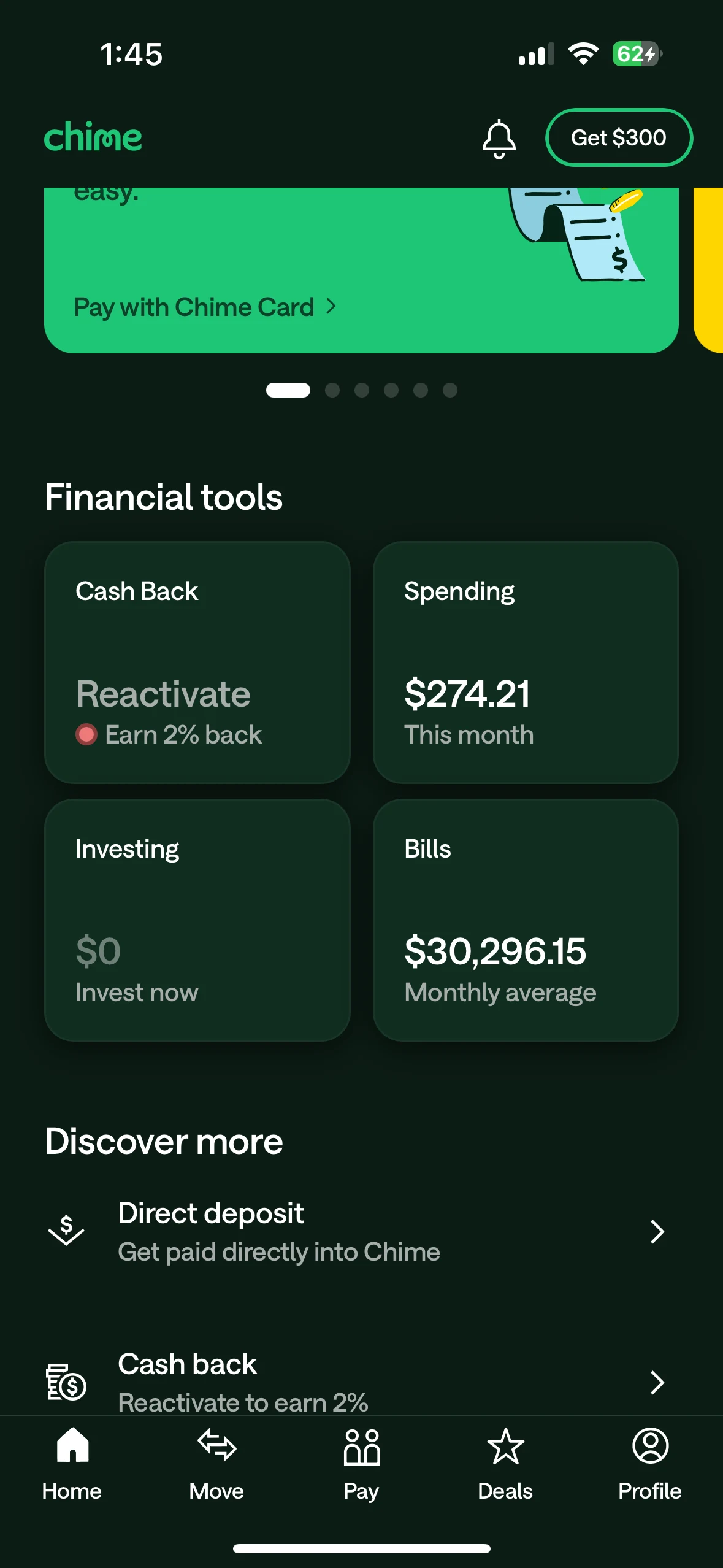
Spending & financial tools bringing cash back, monthly spending, investing, and average bills into the same Chime-style card grid, with direct-deposit and cash-back shortcuts below.
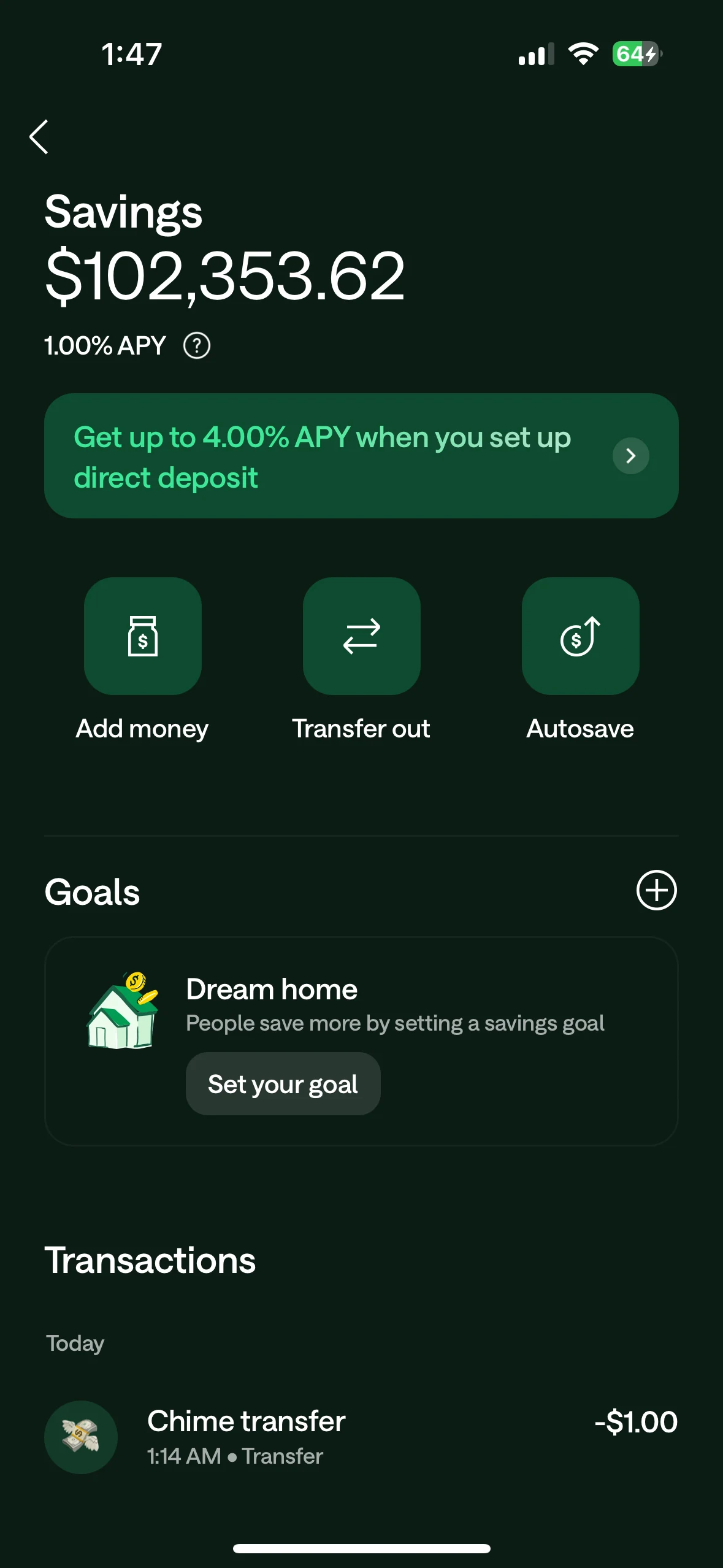
Savings goals & activity showing a simulated savings balance, APY display, add-money and transfer-out actions, Autosave, savings goals, and dated transfer activity in the same savings view.
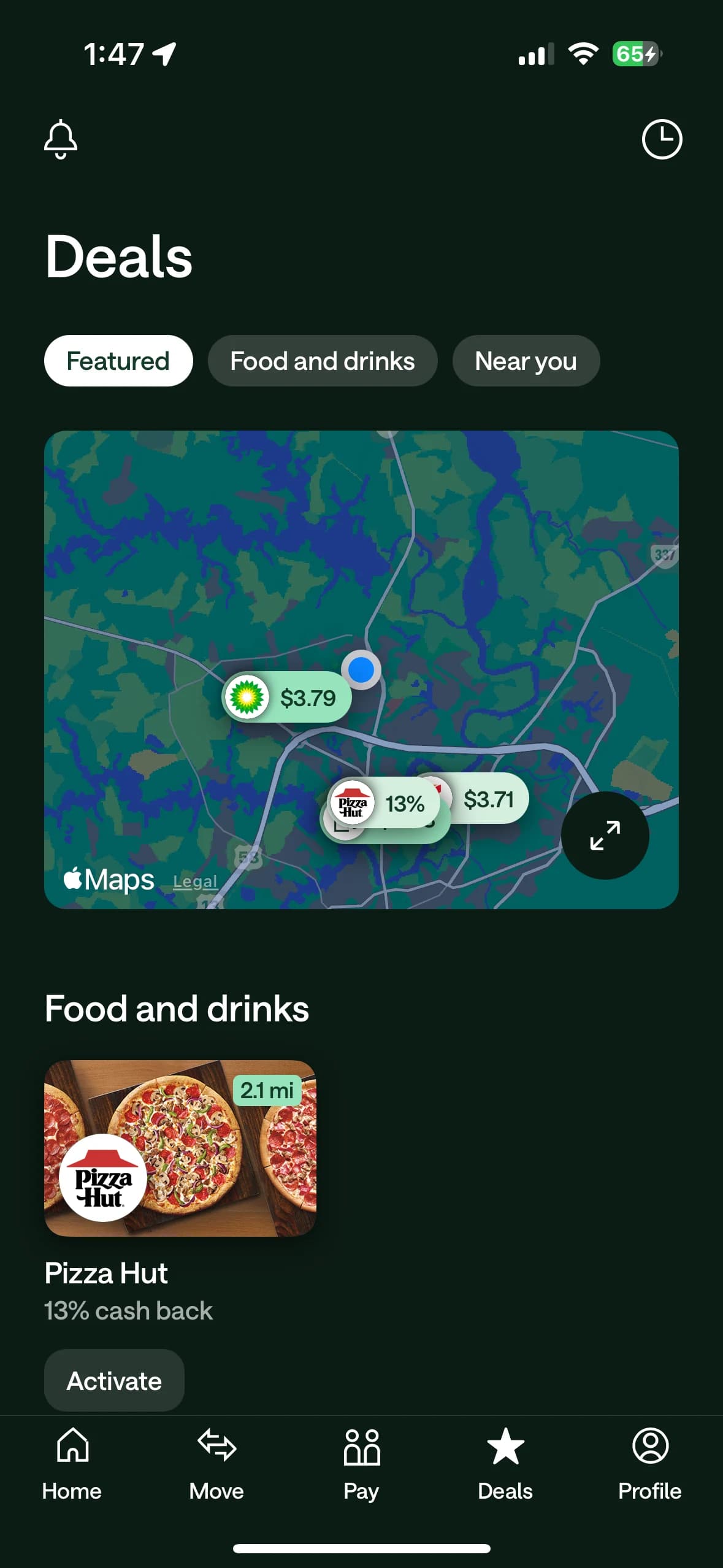
Nearby deals & cash back recreating the Deals screen with Featured, Food and drinks, and Near you tabs, a merchant map, offer cards, distance badges, and activation buttons.
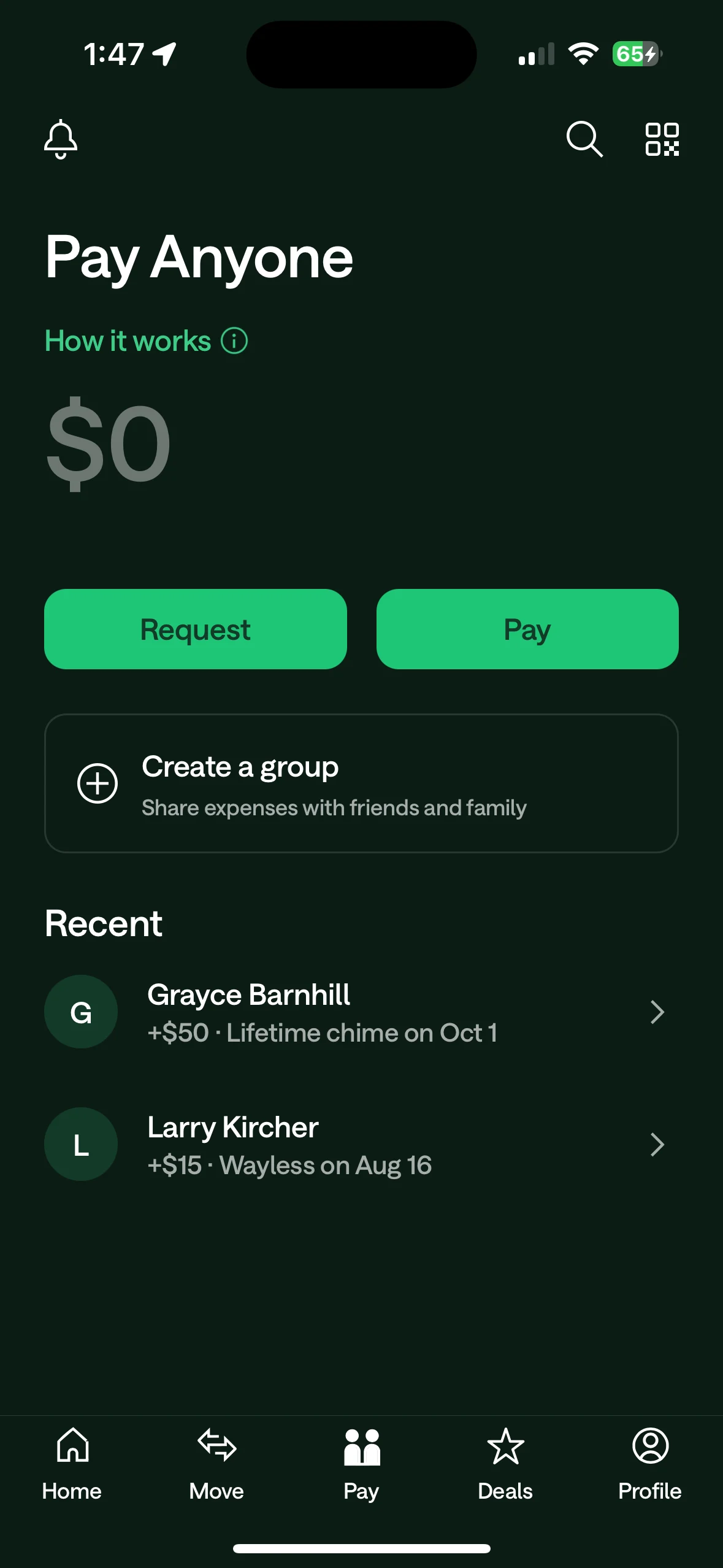
Pay Anyone hub matching Chime's payment screen with amount entry, request and pay actions, group-expense tools, search, QR access, and recent contacts with payment notes.
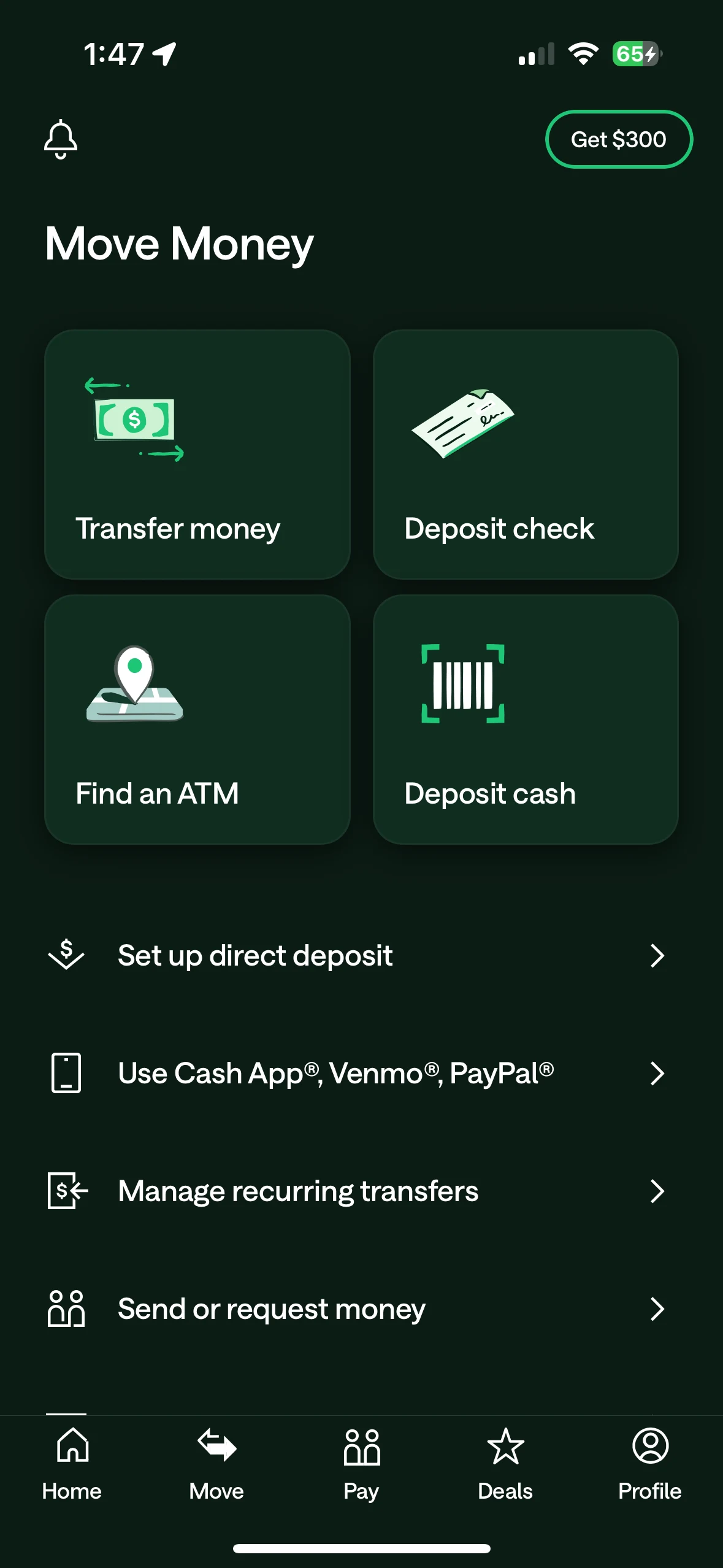
Move Money tools bringing transfer money, check deposits, ATM lookup, cash deposits, direct-deposit setup, recurring transfers, and send-or-request shortcuts into the familiar Chime layout.
Browse the other available 1:1 app clones.
App 1 of 7